
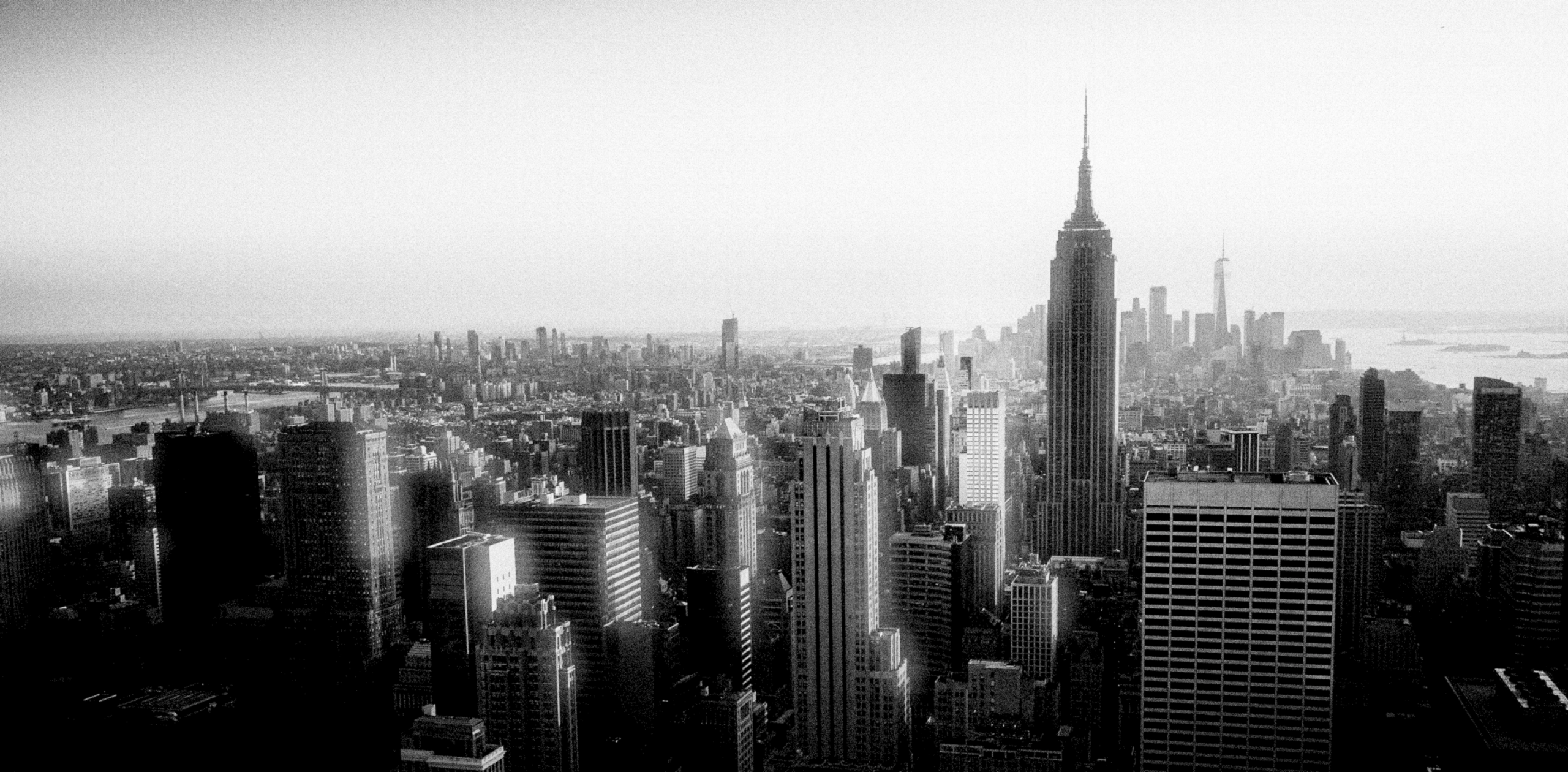

The technology
It’s not a filter. It’s a simulation.
Silver doesn’t apply a simple filter, it simulates real film: physically modeled grain, halation, and chemistry. That’s genuine simulation, not a quick preset.
The pipeline
Inspired by real film.
Silver runs your photos through a more-or-less scientific film emulation process. Halation, film chemistry and physical grain are simulated for the final filmic look.
01
Exposure
Camera exposure and Push & Pull chemical process control are managed first.
02
Optics Stack
Vignette and light leaks make up the built-in optics stack, the physical, optical side of a shot, light behaving in and around the camera and film, not the chemistry that develops it. Add a custom optics module of your own for anything else. Mix and match how you choose.
03
Film Chemistry Stack
A stock’s color signature, solved directly from real film, or artistically built stage by stage using a selection of different chemistry modules, halation included, since that warm highlight glow is a property of the film itself, not the lens in front of it.
04
Grain
A field of silver-halide crystals, sized to the stock’s actual ISO, resolved against your image’s own live exposure, not a noise texture.
Silver in action
Film Examples
Silver ships with a library of built in film stocks. Most of these are scanned from real film, some of them are hand crafted. Here is a selection of a few of them.

Alpha
This is just a fraction of the collective potential of Silver. As users can freely create and share their own film stock in the silverstock marketplace.
Deep dive
Two things that make it real.
Grain that behaves like grain
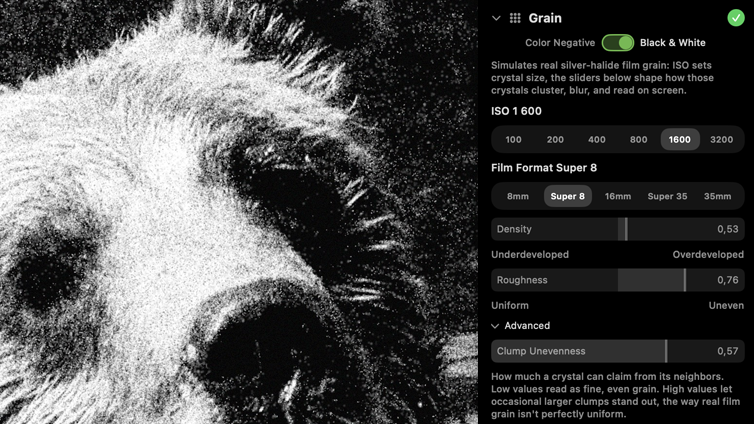
Most “film grain” effects are noise: a texture generator makes something grain-shaped and lays it on at a fixed strength. Real grain doesn’t work that way. Its visibility depends on how exposed that patch of the image actually is, and its size depends on the emulsion’s own crystal structure. Silver models both, live.
A stock rated ISO 3200 doesn’t just get “more grain” turned up: its crystals are modeled larger and more variable, exactly the trade a real fast emulsion makes for sensitivity. Load a slow ISO 100 stock and the same math gives you correspondingly fine, tight grain, with no separate dial to fake it.
WHY IT MATTERS
Push a stop, and Silver’s grain reads more visible for the same reason a real underexposed negative’s does, not because a slider got nudged, but because the tonal range grain depends on to read at all just got flatter.
Grounded in the Boolean/Poisson grain model described in Newson, Faraj, Delon & Galerne, “Realistic Film Grain Rendering,” IPOL 7 (2017), Silver’s implementation is written independently against that published research.
Chemistry, not your typical controls
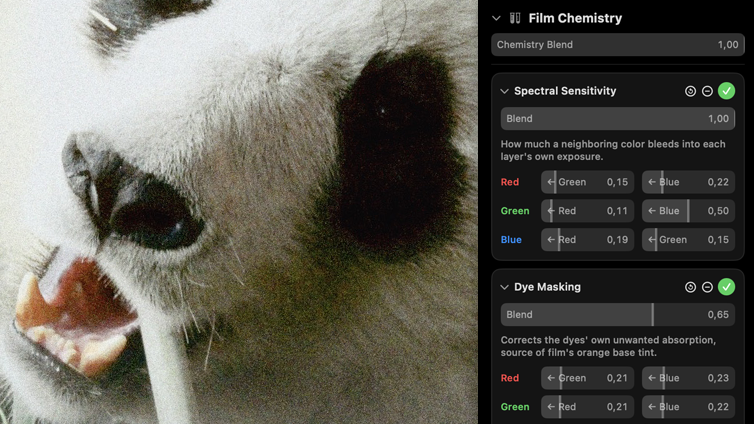
Color film has three light-sensitive layers, one per primary color, and they don’t behave in isolation: light bleeds between them, each layer’s response rolls off in its own toe and shoulder, and the developing chemistry in one layer chemically restrains its neighbors. That’s why a real stock has a color signature, not just a color grade.
Silver’s chemistry engine is modular, meaning you only add the features your film stock needs. Make it as clean, or as damaged, or as vibrant as you need, then re-use the result as a custom silverstock.
If you cannot find an effect you are looking for, make your own! Silver comes with a node-based interface for creating any type of image effect from scratch.
PUSH & PULL, DONE correctly
Nudge exposure index up or down, and Silver doesn’t just raise contrast, it shifts color balance the same direction a real lab would, because color and contrast come from the same underlying chemistry.
SEE FOR YOURSELF
Scan vs. simulation.
Drag to compare a real developed-film scan against Silver’s render of the same frame under a matching stock.
Infinitely scalable for power users
Node based effects
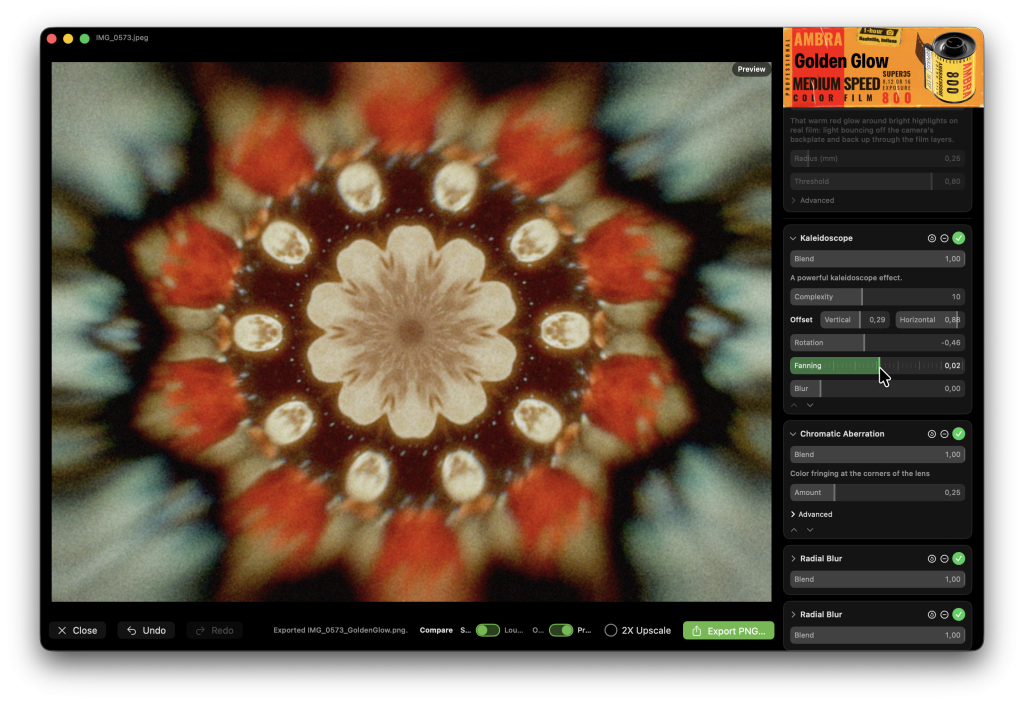
All of the built-in optical and chemical modules are also created using the bundled Metal Shading Language node graph (Module editor). Open up any module and make your own remix!
Or build highly advanced filters from scratch. The module editor also includes tools for easy UI creation so you can make your custom effects truly shine.
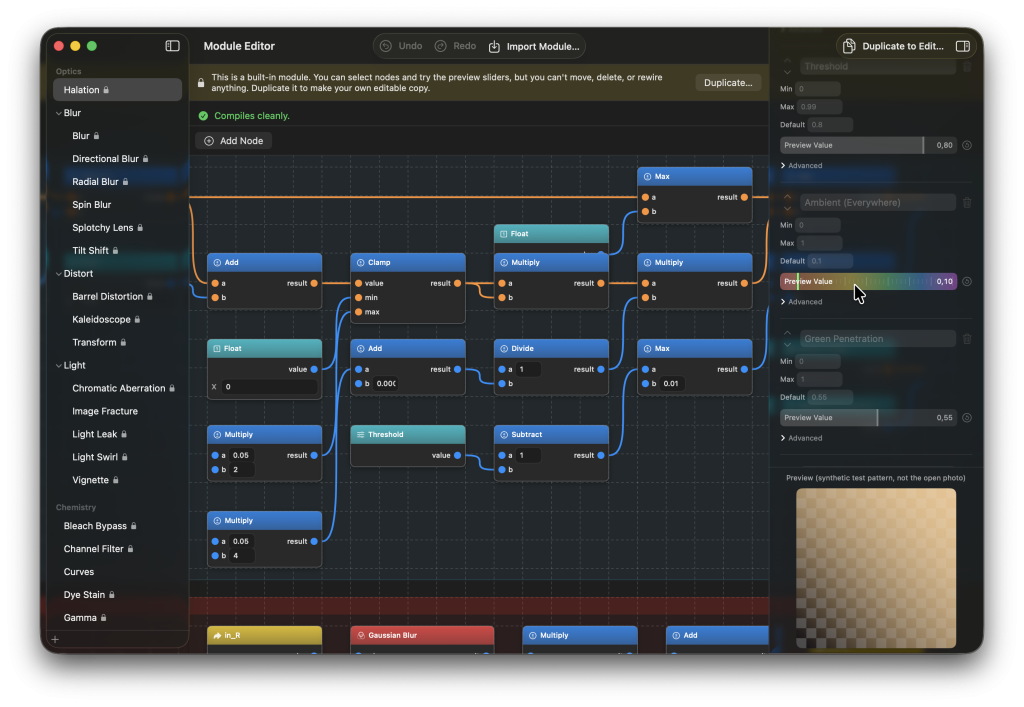
None of this is required to get a great result today, pick a stock and you are done. But there is no ceiling on the other end either: the node graph is not limited to film emulation, it is a general image-effects engine that happens to ship a film simulator built on top of it. What you build with it is entirely up to you.
If you are not into visual programming, download modules other users have created!