


FOR APPLE PHOTOS, ON YOUR MAC
Photos that already feel like memories.
Silver brings back the warmth and grain of the film you grew up with,
right inside Apple Photos without breaking your bank.
Available soon on the Mac App Store and iOS App Store!
Why it feels real?
Because it’s not invented. It’s measured.
Solved from real film
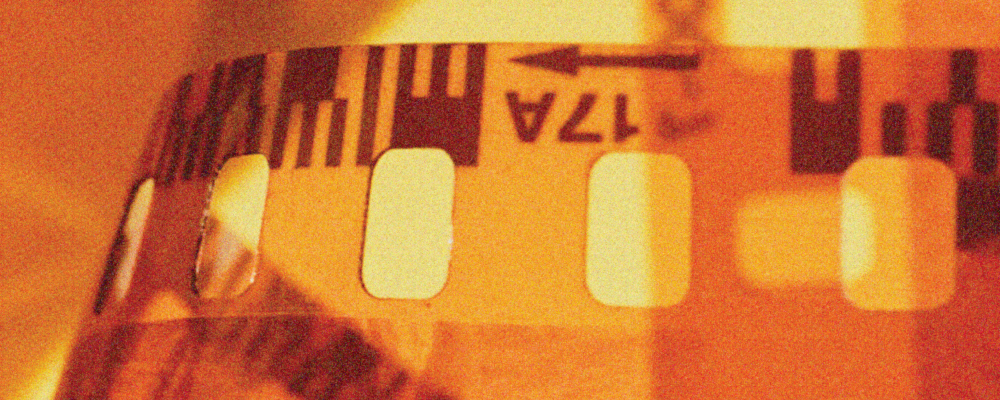
Every stock starts from a real, scanned roll of film, not a photo of its box. Nudge it, or build your own from scratch.
SCAN-SOLVED · MANUAL CONTROL · BUILD YOUR OWN · Share
That warm glow
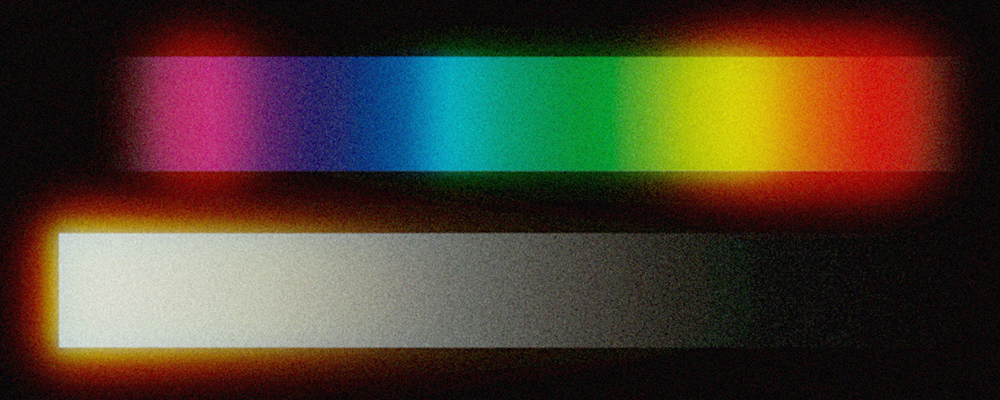
Light bounces back through the film itself, the way it does on real film: the soft glow around bright highlights you remember.
LINEAR-LIGHT BLOOM · THRESHOLD / RADIUS / TINT
Real grain, not a texture

Not a texture laid on top, millions of virtual silver-halide crystals actually form the image, creating a natural grain.
BOOLEAN / POISSON FIELD · PER-CHANNEL · LIVE
WHERE IT LIVES
It lives where your photos already live.
No separate library, no re-import, no exported copies scattered on disk. Silver edits the photo you already have, in place, non-destructively.
01
Select a photo
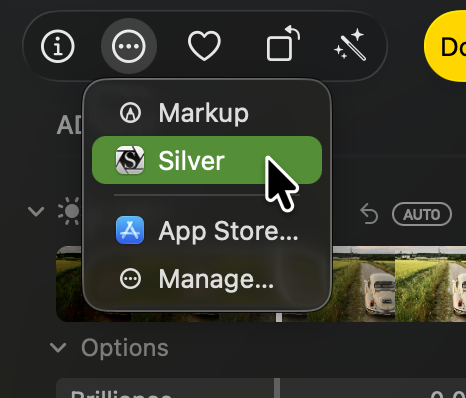
In Photos, edit any image and pick ··· → Silver.
02
Tweak settings
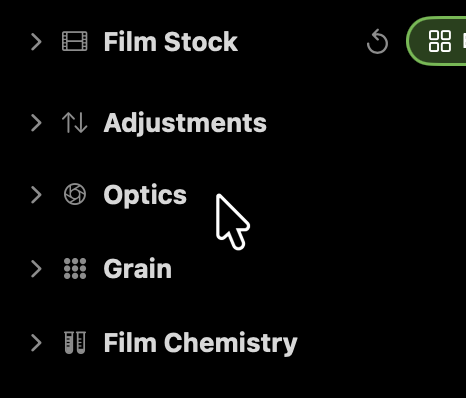
Film stock, optics, chemistry, grain. That’s the whole interface.
03
Non-destructive
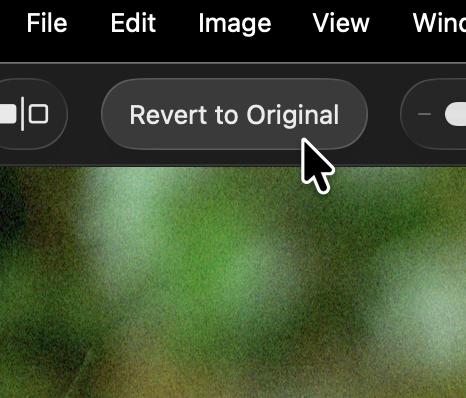
Silver never touches your original.
So you can always go back.
Currently Silver is Mac OS 15+ & iOS 18+ only. One purchase includes Silver for both platforms.
THE ROSTER
Every stock has a lineage.
Silver’s built it stocks come from fictional manufacturers, each with its own house chemistry, era, and design language.

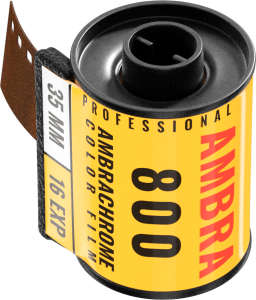
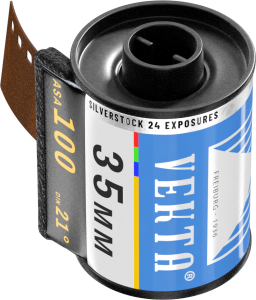
However, you are not limited to the built-in film selection. Tweak any stock, remix any built-in module in the visual node editor, or build entirely new effects beyond film emulation. No prior experience needed to get a great result today, and no ceiling if you want to go further.
Marketplace
One darkroom. Then everyone’s.
Every stock you build in Silver, chemistry, optics, grain, and brand identity included, is a file you can share, custom node-graph modules too. Browse thousands of community stocks, or publish your own.